Apple iOS Evolution

iOS 14 – iOS 17
Which One Is Your Perfect OS?

From the widget revolution to StandBy display — explore the evolution, pros & cons, and compatible devices across 4 generations of iOS.

Get an instant market-based quote in 30 seconds

Scroll to explore
At a Glance

Version Comparison

Key information across 4 generations of iOS, all in one view.

14

iOS 14

September 16, 2020

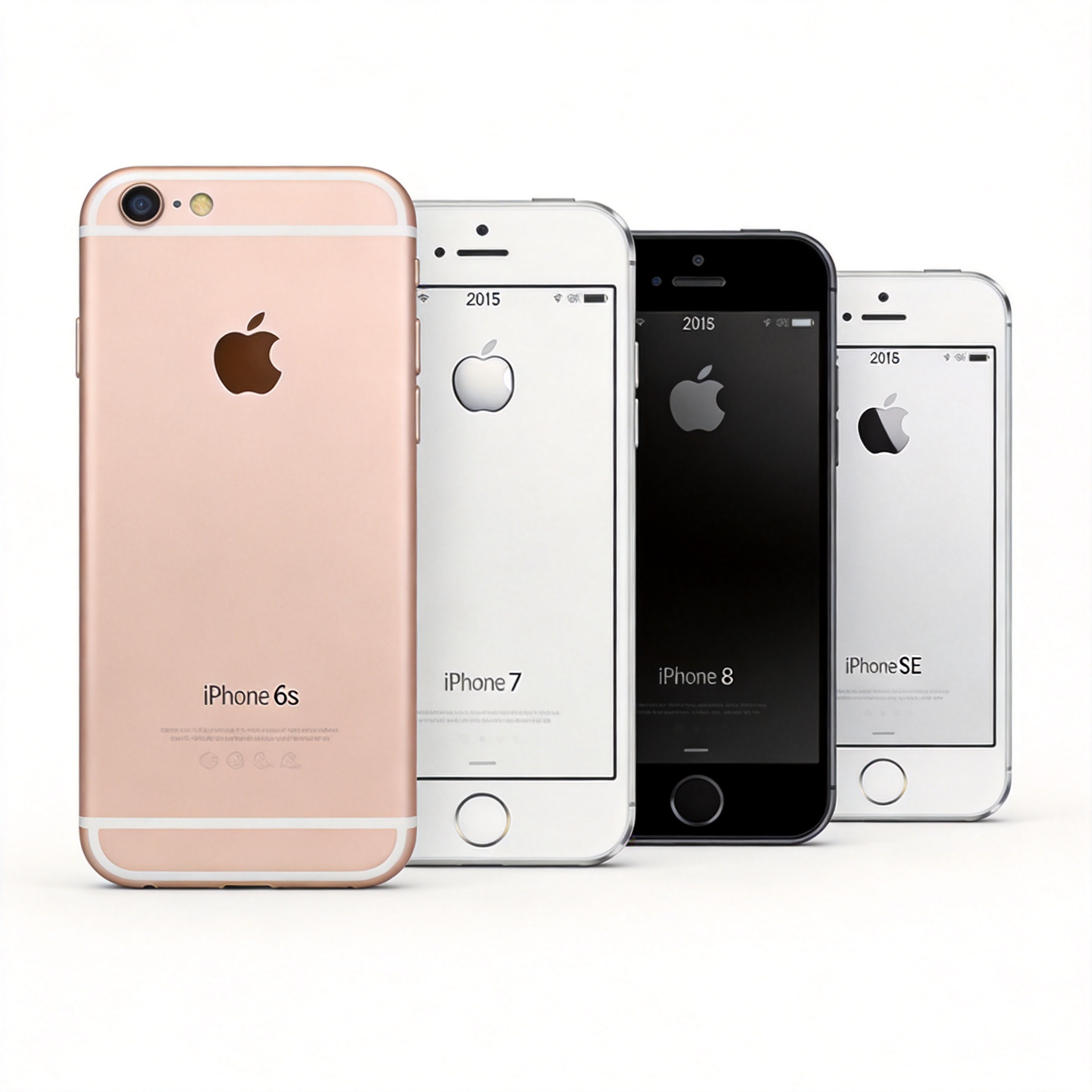
Supported Devices iPhone 6s and later
Highlights Home Screen Widgets, App Library
Drawbacks Widgets not interactive
Innovation
7.5
15

iOS 15

September 20, 2021

Supported Devices Same as iOS 14
Highlights Focus Mode, Live Text, FaceTime Web
Drawbacks Incremental upgrade
Innovation
6.0
16

iOS 16

September 12, 2022

Supported Devices iPhone 8 / X and later
Highlights Custom Lock Screen, Visual Lookup
Drawbacks Buggy launch, battery drain
Innovation
8.5
17

iOS 17

September 18, 2023

Supported Devices iPhone XR / XS and later
Highlights StandBy, Interactive Widgets, NameDrop
Drawbacks Heat & battery pressure on older devices
Innovation
9.0

Deep Dive

Is It Worth Upgrading?

Tap a tab below to explore each version in detail.

14

iOS 14 — The Widget Era

Released September 16, 2020

Supported Devices

  • iPhone 6s / 6s Plus
  • iPhone 7 / 7 Plus
  • iPhone 8 / 8 Plus
  • iPhone X / XR / XS / XS Max
  • iPhone 11 / 11 Pro / 11 Pro Max
  • iPhone SE (1st / 2nd gen)
  • iPhone 12 (all models)

Key Pros

  • Home Screen Widgets — Redefined home screen interaction, info at a glance
  • App Library — Auto-categorizes apps, say goodbye to clutter
  • App Clip — Experience app features without installing

Key Cons

  • Non-interactive widgets — View only, no tap actions, limited utility
  • Notification Center unchanged — Notification management still messy

Overall Rating

Innovation
4.0
Stability
4.5
Battery
4.0
15

iOS 15 — The Polish Year

Released September 20, 2021

Supported Devices

  • iPhone 6s / 6s Plus
  • iPhone 7 / 7 Plus
  • iPhone 8 / 8 Plus
  • iPhone X / XR / XS / XS Max
  • iPhone 11 / 11 Pro / 11 Pro Max
  • iPhone 12 (all models)
  • iPhone 13 (all models)
  • iPhone SE (2nd / 3rd gen)

Key Pros

  • Focus Mode — Filter notifications by context: work, life, sleep
  • Live Text — Camera recognizes text in images, with translation
  • FaceTime Web — Android users can join calls via link

Key Cons

  • Minor innovation — Lacks a "wow" moment compared to iOS 14
  • Safari bottom tab bar — Initial UX design was controversial

Overall Rating

Innovation
3.0
Stability
5.0
Battery
4.5
16

iOS 16 — Personalization Awakens

Released September 12, 2022

Supported Devices

  • iPhone 8 / 8 Plus
  • iPhone X / XR / XS / XS Max
  • iPhone 11 / 11 Pro / 11 Pro Max
  • iPhone 12 (all models)
  • iPhone 13 (all models)
  • iPhone 14 (all models)
  • iPhone SE (2nd / 3rd gen)

Note: iPhone 6s / 7 / SE 1st gen dropped

Key Pros

  • Custom Lock Screen — Fonts, widgets, depth effect fully customizable
  • Visual Lookup — Long-press to extract subjects from photos
  • Notification overhaul — Redesigned notification center with Live Activities

Key Cons

  • Buggy launch — Early versions had app crashes and Bluetooth issues
  • Battery drain — Noticeable battery life reduction on some devices

Overall Rating

Innovation
4.5
Stability
4.0
Battery
3.0
17

iOS 17 — A New Era of Interaction

Released September 18, 2023

Supported Devices

  • iPhone XR / XS / XS Max
  • iPhone 11 / 11 Pro / 11 Pro Max
  • iPhone 12 (all models)
  • iPhone 13 (all models)
  • iPhone 14 (all models)
  • iPhone 15 (all models)
  • iPhone SE (3rd gen)

Note: iPhone 8 / X dropped

Key Pros

  • StandBy Mode — Turn your iPhone into a smart display while charging
  • Interactive Widgets — Operate widgets directly on the home screen
  • NameDrop + Contact Poster — Share contacts by bringing phones close

Key Cons

  • Heat on older devices — iPhone XR/XS runs noticeably warmer
  • Battery pressure — Accelerated battery health decline on older models

Overall Rating

Innovation
4.5
Stability
4.0
Battery
3.0

Device Compatibility

Which iOS Can Your iPhone Run?

Quickly find the highest iOS version your device supports.

Device iOS 14 iOS 15 iOS 16 iOS 17
iPhone 6s / 6s Plus Supported Supported Not Supported Not Supported
iPhone 7 / 7 Plus Supported Supported Not Supported Not Supported
iPhone 8 / 8 Plus Supported Supported Supported Not Supported
iPhone X Supported Supported Supported Not Supported
iPhone XR / XS / XS Max Supported Supported Supported Supported
iPhone 11 / 11 Pro / 11 Pro Max Supported Supported Supported Supported
iPhone 12 mini / 12 / 12 Pro / 12 Pro Max Supported Supported Supported Supported
iPhone 13 mini / 13 / 13 Pro / 13 Pro Max N/A Supported Supported Supported
iPhone 14 / 14 Plus / 14 Pro / 14 Pro Max N/A N/A Supported Supported
iPhone 15 / 15 Plus / 15 Pro / 15 Pro Max N/A N/A N/A Supported
iPhone SE (1st gen) Supported Supported Not Supported Not Supported
iPhone SE (2nd gen) Supported Supported Supported Not Supported
iPhone SE (3rd gen) N/A N/A Supported Supported
Supported Not Supported Device not yet released at that time

Upgrade Guide

What Kind of User Are You?

Different needs, different choices. Find the best option for you.

Stability Seeker

iPhone 6s to iPhone X users

If your device runs iOS 15 smoothly, consider staying on iOS 15. It's the most stable version with excellent battery life and all essential features — no need to sacrifice smoothness for new tricks.

Recommended: iOS 15

Power User / Geek

iPhone XR / XS and later

Want the latest? Go straight to iOS 17. Interactive widgets, StandBy display, and NameDrop make daily use more fun. If battery life is a concern, wait for iOS 17.2 or later.

Recommended: iOS 17

Balanced Experience

iPhone 8 to iPhone 11 users

Want new features without the hassle? iOS 16 is the sweet spot. Custom lock screen and Visual Lookup are great, and the experience improves as later patches fix early bugs.

Recommended: iOS 16
iOS Guide Support Online